Flexible field types
Build text, number, checkbox, radio, dropdown and button-based choices around the needs of each product.

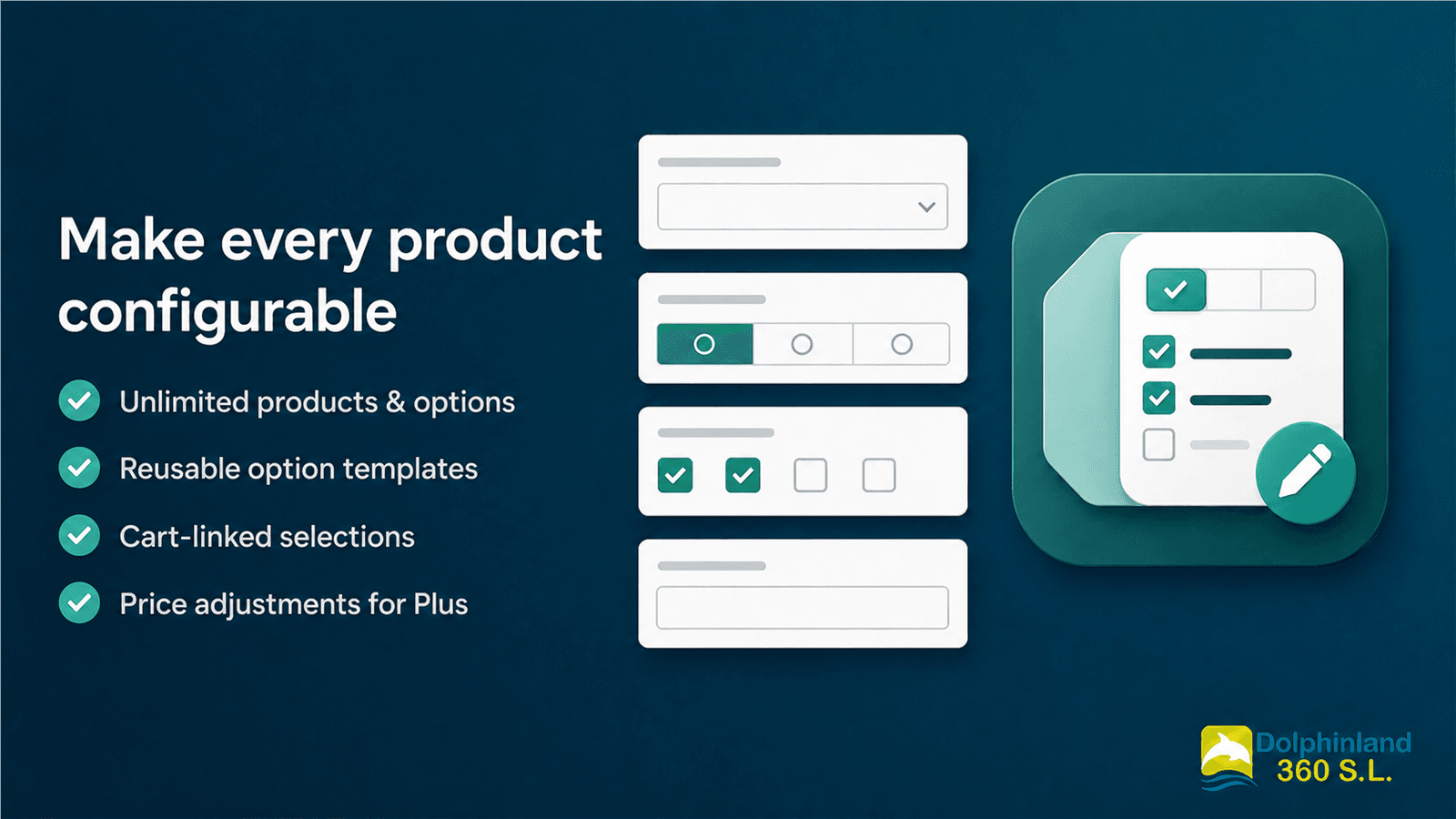
Make every product configurable without turning every choice into a native variant. Create product options, reuse configurations and keep customer selections connected through the cart and order workflow.
What it adds
Build text, number, checkbox, radio, dropdown and button-based choices around the needs of each product.
Prepare option sets once and reuse them across products when the selected plan includes templates.
Customer selections travel with the product so merchants can review the chosen configuration after purchase.
Add eligible surcharges or discounts while keeping related cart lines synchronized. Some price features require Shopify Plus.
How it works
Choose the fields, values, requirements and display order for a product or reusable template.
Activate the app block in the Shopify theme and place it on the correct product template.
Customers make their selections and the configured data stays linked throughout the buying flow.
Changelog
Follow the features included in each published version.
The current preview focuses on product configuration, reusable templates and cart-linked selections.
Planned launch plans
These are the plans currently prepared for launch. Prices, availability and final entitlements remain subject to the Shopify App Store configuration completed before release.
For testing a focused product configuration.
For catalogs that need unlimited option setup.
For reusable workflows and eligible advanced pricing.
Help center
The guides below reflect the current project implementation and identify the Shopify or plan requirements that can affect each feature.
Read the app privacy policyApp guide
Use a Shopify Online Store theme that supports app blocks and sign in with permission to manage apps, products and themes. Work on a duplicate theme first when the live storefront is already taking orders.
Open the app from Shopify admin and complete its Setup screen before editing storefront products.
The option fields appear through a theme app block. The block must be added to the exact product template assigned to the product you are testing.
Stores using eligible price adjustments must also complete the charge setup shown in the app and enable the Extra charge cart sync app embed when instructed. Test the product page, cart drawer, full cart and checkout before publishing the theme.
App guide
Open Products in the app, choose a product and add the fields customers should complete. Product options are stored separately from Shopify variants, so they do not consume the product's native variant combinations.
The editor supports six field types. Availability can depend on the selected app plan.
Duplicate an existing option when the new field is similar, then change its name and values. Keep option names unique on a product because those names are also used to label the selection in the cart and order. Preview the storefront again after changing required fields or value lists.
App guide
Templates are reusable sets of option definitions for catalogs that repeat the same personalization choices. They are available when the store's plan includes templates.
Applying a template creates a copy of its options on the selected product. Later edits to the template do not automatically overwrite products that already use it, which protects product-specific changes. Reapply or manually update the affected products when you intentionally change a shared setup.
Templates can be opened, edited and deleted from the Templates area. They are stored as app-owned Shopify metaobjects; unlike the product option configuration, app-owned template data may not remain available after the app is uninstalled. Keep an external record of important configurations before uninstalling.
App guide
The storefront adds completed options as public Shopify line-item properties. Shopify keeps those properties with the cart line and the resulting order, so staff can review the selected configuration in the order details. Their appearance in notification emails, packing slips and third-party fulfillment tools depends on the Shopify template or integration used by the store.
When the selected plan and Shopify store are eligible, an option or individual value can add a surcharge or apply a discount. Positive adjustments use a linked charge line; signed cart data and Shopify Functions protect the relationship between the product and its adjustment. Price-adjustment availability can require Shopify Plus and final eligibility is shown inside the app.
Use a low-risk test product and verify the product page, cart drawer, full cart, checkout, test order, order detail, notification email and packing slip. Themes render carts differently, so a successful product-page test alone is not enough for a price-adjustment launch.
App guide
First confirm that the product has a saved option configuration. Then open the theme editor and check that Product custom options is enabled on the exact product template assigned to that product. A block added to the default product template does not appear on products assigned to another template.
Confirm that the theme and app configuration were saved, then test both the cart drawer and full cart. For price adjustments, verify that the charge setup is complete and that the cart-sync app embed is enabled. If the theme has a custom AJAX cart, include the theme name, a preview link and clear reproduction steps when contacting support.
Selections use Shopify line-item properties. If order details show them but a notification or packing slip does not, review that Shopify template for code that hides or omits line-item properties. Third-party order and fulfillment apps decide independently which properties they import.
The app stores per-product option configuration in the merchant-owned custom.product_options product metafield, which is separate from the app session database. Shopify can retain that value after uninstall. Reusable templates are app-owned metaobjects and may be removed as part of the app-owned data lifecycle. The app deletes its own stored shop sessions when Shopify sends the uninstall or shop-redaction webhook.
Email support@dolphinland.org with the store domain, affected product, theme name, expected result and screenshots. Do not send customer passwords, payment details or unnecessary personal data.
Questions
No. The app stores its configuration outside the native variant matrix and sends customer choices as line-item properties when the product is added to the cart.
No. Applying a template copies its current fields to the product. Products can then be customized independently without being overwritten by a later template edit.
Shopify stores them as public line-item properties. Most standard order surfaces can display those properties, but the final output depends on the notification, packing-slip theme or third-party integration used by the merchant.
The current app configuration does not request Shopify customer or order API scopes. Buyer selections are handled through Shopify's cart and order line-item properties rather than copied into Dolphinland 360's application database.
Before launch
The name, availability, plan limits and commercial terms may change before release. Feature access also depends on the store, selected plan and Shopify compatibility requirements.